 Senseward
Go Beyond Translation
Understanding a passage takes more than knowing each word. Senseward helps you work through books and audiobooks with contextual explanations, sentence replay and chapter questions. Explore an unfamiliar expression, clarify an important idea, and keep useful vocabulary connected to its source. Return to it through review and AI-generated practice.
Senseward requires macOS 26 or later, or an iPad with iPadOS 26 or later.
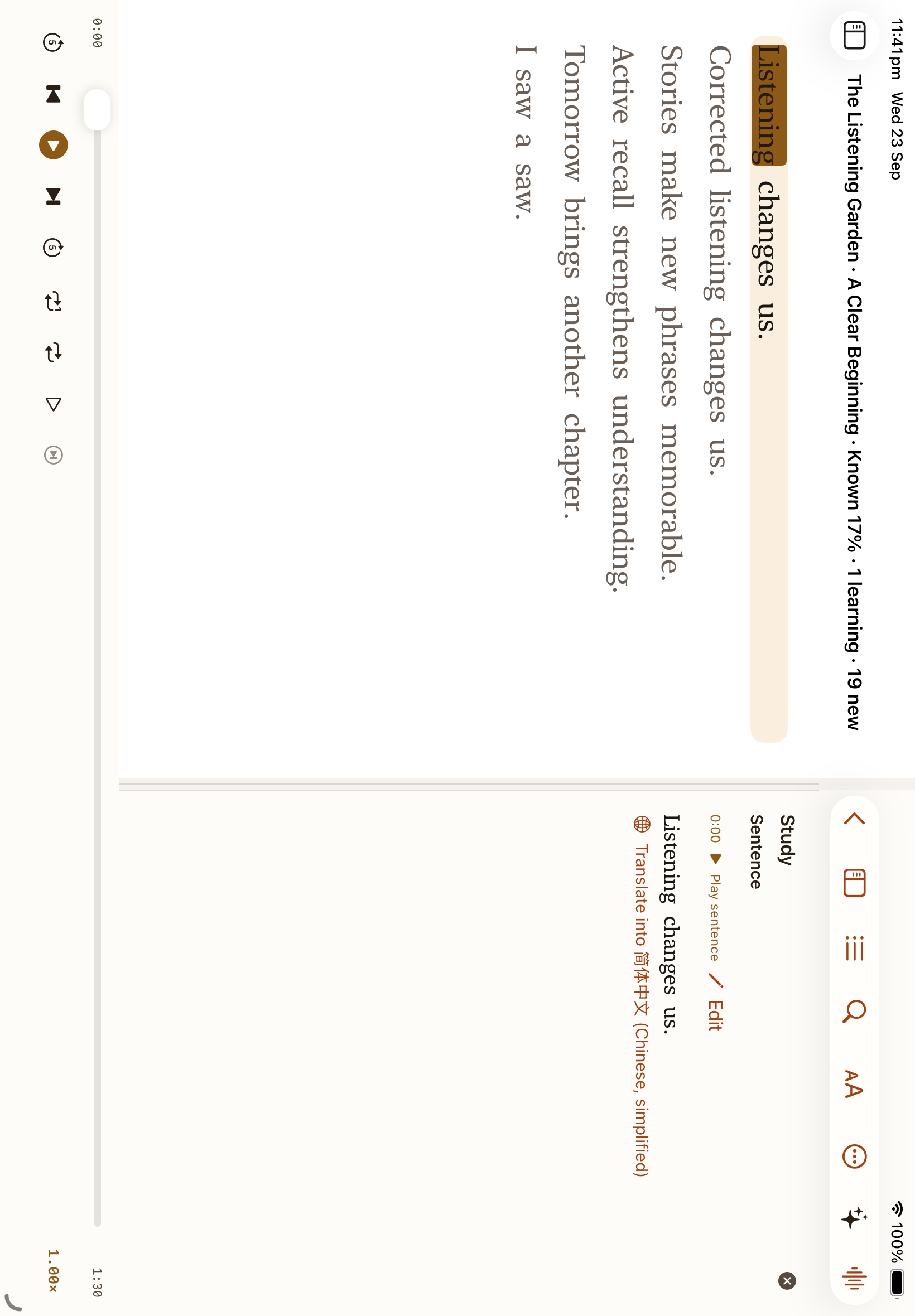
Senseward on iPad, shown with sample books and lessons.
Hear the words. Stay with the story.
Turn supported audiobooks into a transcript on your device, then follow the highlighted words as the recording plays. Senseward keeps you close to the original voice and sentence.
- Tap a sentence to seek, replay or loop the original narration.
- Use Listen First to hear a passage before revealing its words.
- Correct a transcript, practise shadowing and check your understanding with chapter quizzes.
A library for listening and reading
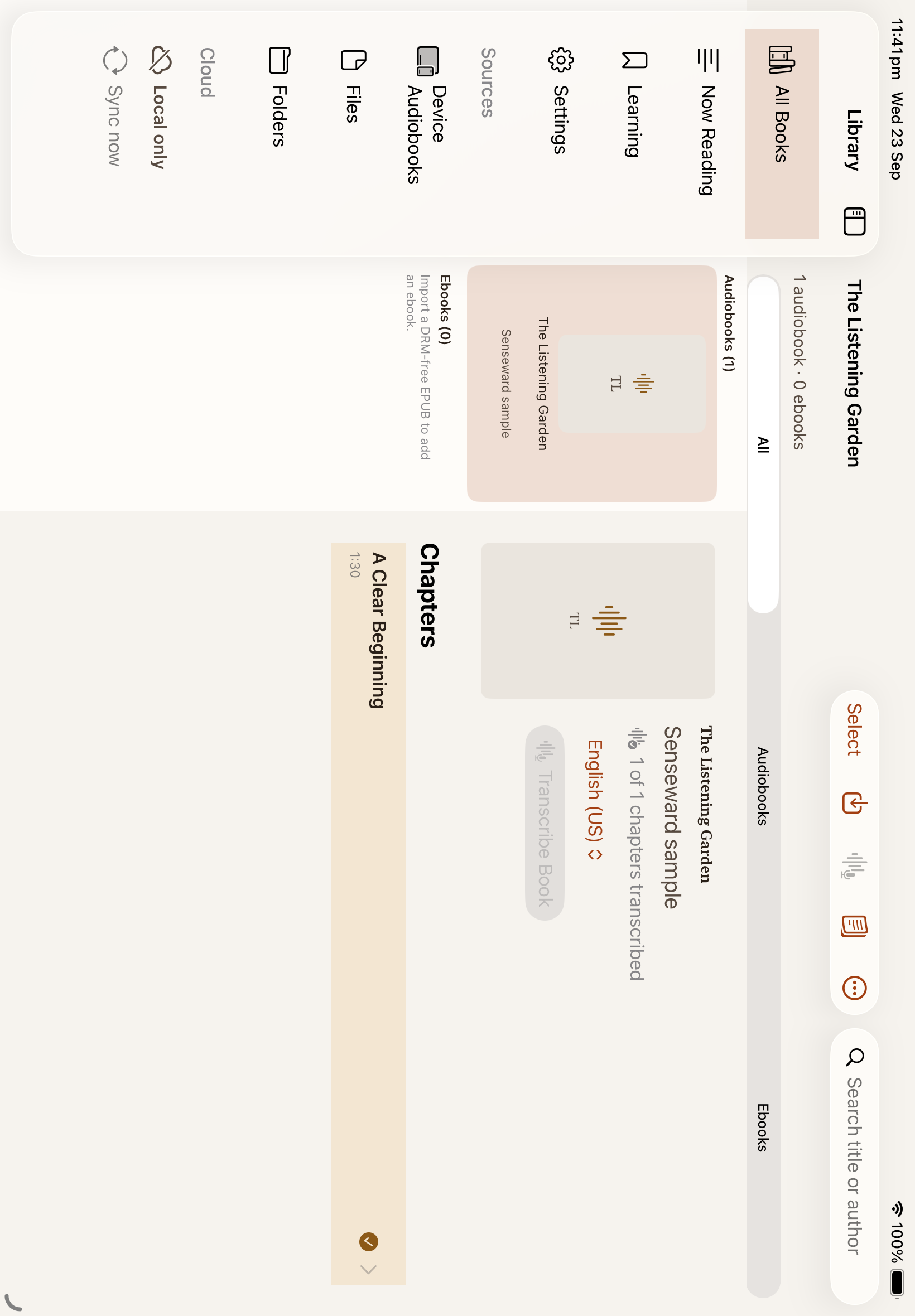
Bring your own audiobooks and DRM-free EPUBs. Browse Audiobooks and Ebooks separately, pick up where you left off, and keep each book's notes and vocabulary in context.
- Import MP3, M4A, M4B, AAC, WAV, CAF and DRM-free EPUB files.
- Read EPUB text as published, with its chapters and images.
- Keep your book files on your device; no account is needed to read or listen.
Remember words where you found them
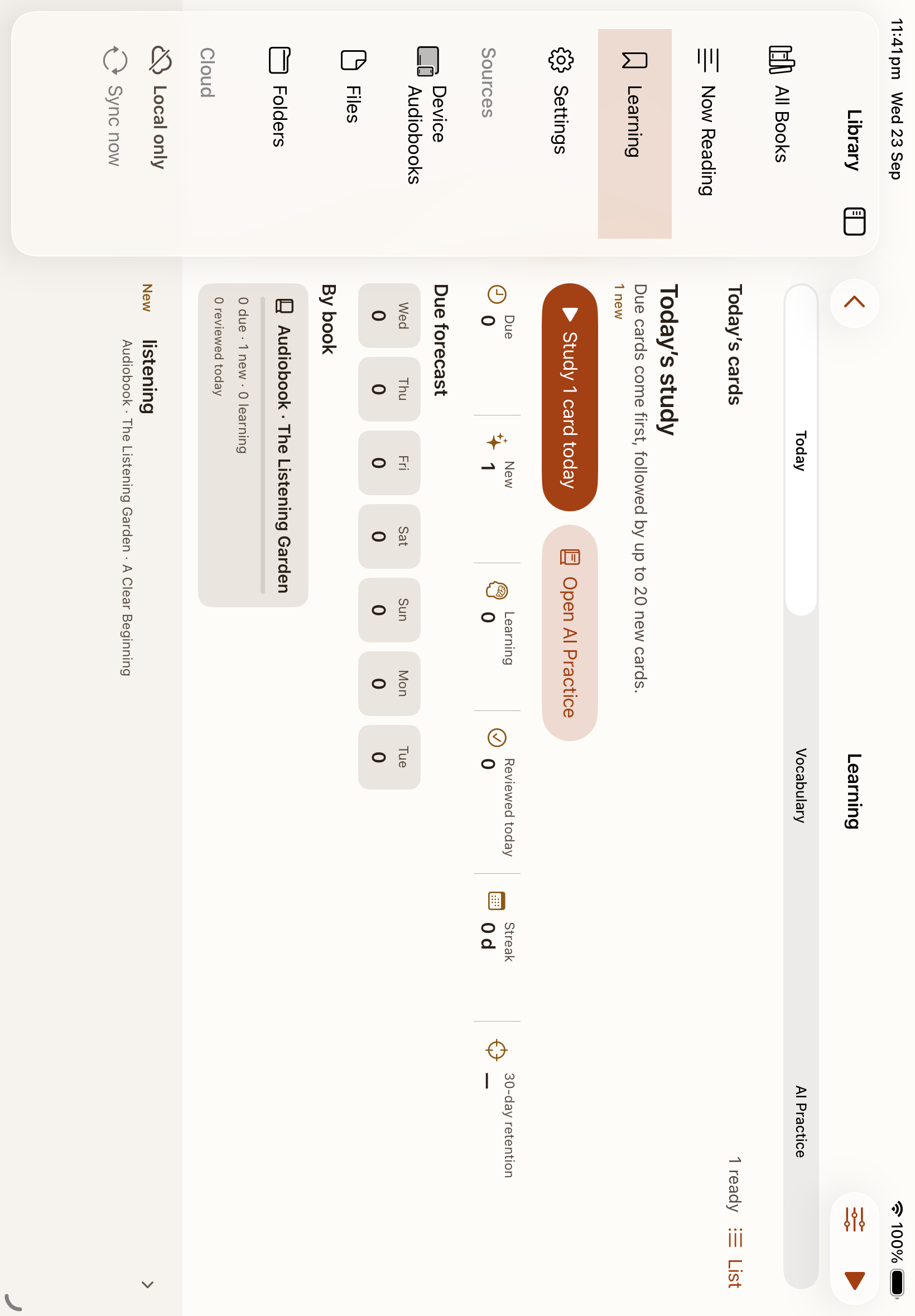
Look up a word while reading and save it with its original sentence, book, chapter and place. Review due words first, then return to the passage or hear the audiobook sentence again.
- Study with recognition, cloze and reverse cards.
- See learning words in the chapter and track review progress.
- Export vocabulary to Anki when you want to study there.
Ask more of a chapter
With an account and your permission, AI helps you understand a difficult passage and practise the words you are learning. The reading experience remains useful without AI.
- Translate words and sentences, or explore a chapter summary and explanation.
- Ask questions about the chapter and try a quick quiz.
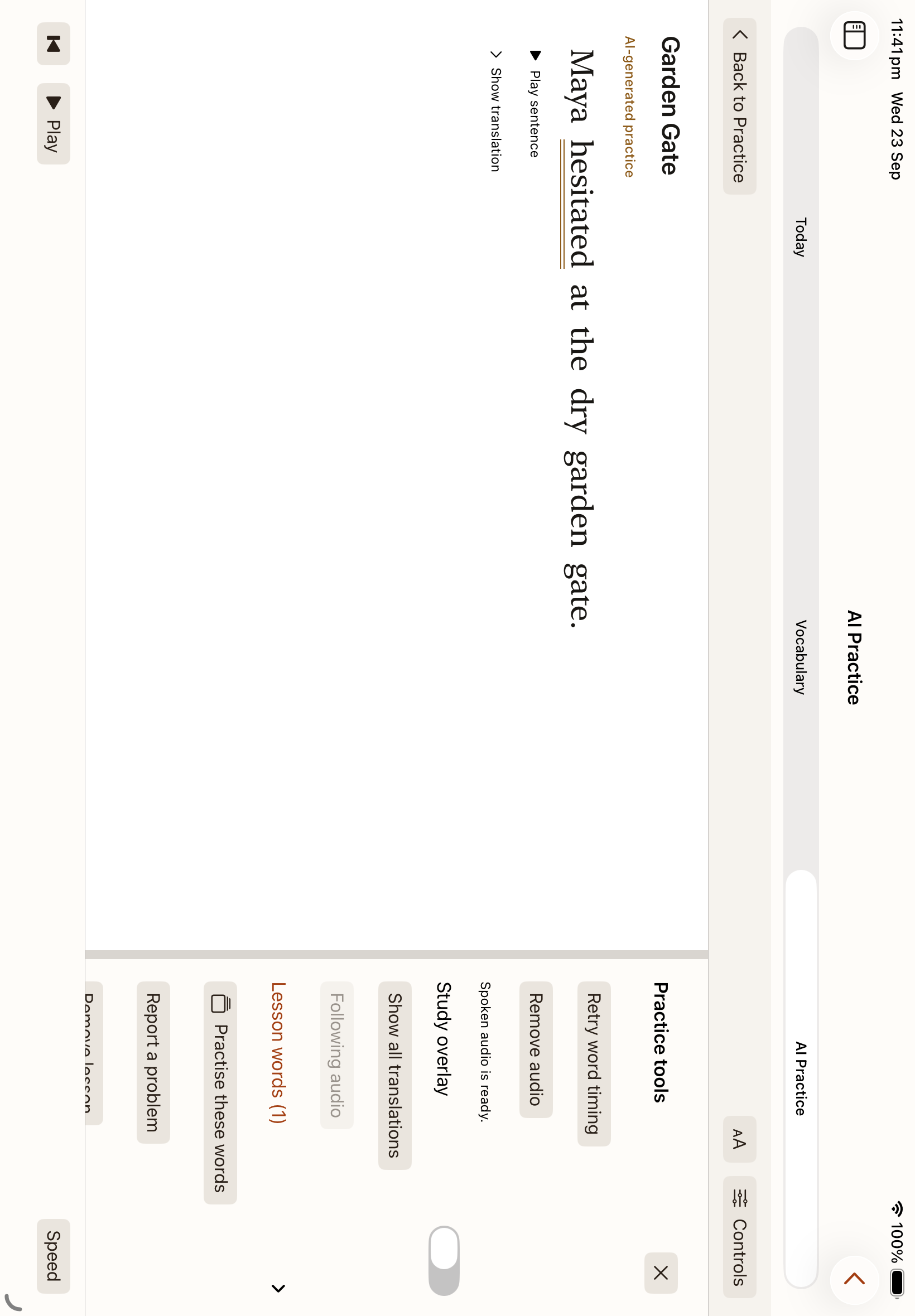
- Make a short story or conversation from your vocabulary, with optional audio.
Your books stay yours
Reading, playback, on-device transcription and vocabulary work without signing in. Sign in if you want learning data and reading progress on your other devices. Book files stay local, and transcript sharing has its own control.
Start on iPad or Mac
Join the iPad TestFlight today, or download the signed and notarized Mac app. Bring a book you already own and begin with the guide.